MaxSea import
MIS has developed a service for users of MaxSea version 12 (PBG) who want to convert their bathymetry
database, the 3DDB.ptz file, to xyz format (latitude, longitude, depth) in order to import it into Olex.
Our advice
MIS always recommends using Olex with a brand-new bathymetry database, built directly by the software: we consider that Olex handles the data from the GPS and the echo sounder more efficiently than MaxSea.
However, users who have built up a large database with their former plotter may find it useful to create a separate database from the data recorded with MaxSea.
Procedure
- In MaxSea, save the 3D database: in the File menu, choose Manage the 3D database, then the
Save 3D database button. This produces the
3DDB.PTZfile. - Send this file to sales@justmagic.com, or through a file transfer service (Dropbox, Google Drive or similar) if it is large.
- MIS converts it with its own converter and sends you back either an
Olex_import.gzfile, in the Olex bathymetry database format, or an ASCIIxyz.zipfile (latitude, longitude, depth).
The service is charged for each 3DDB.ptz file supplied, with a different price for the Olex format and for
the ASCII xyz format: contact us for a quote.
Example
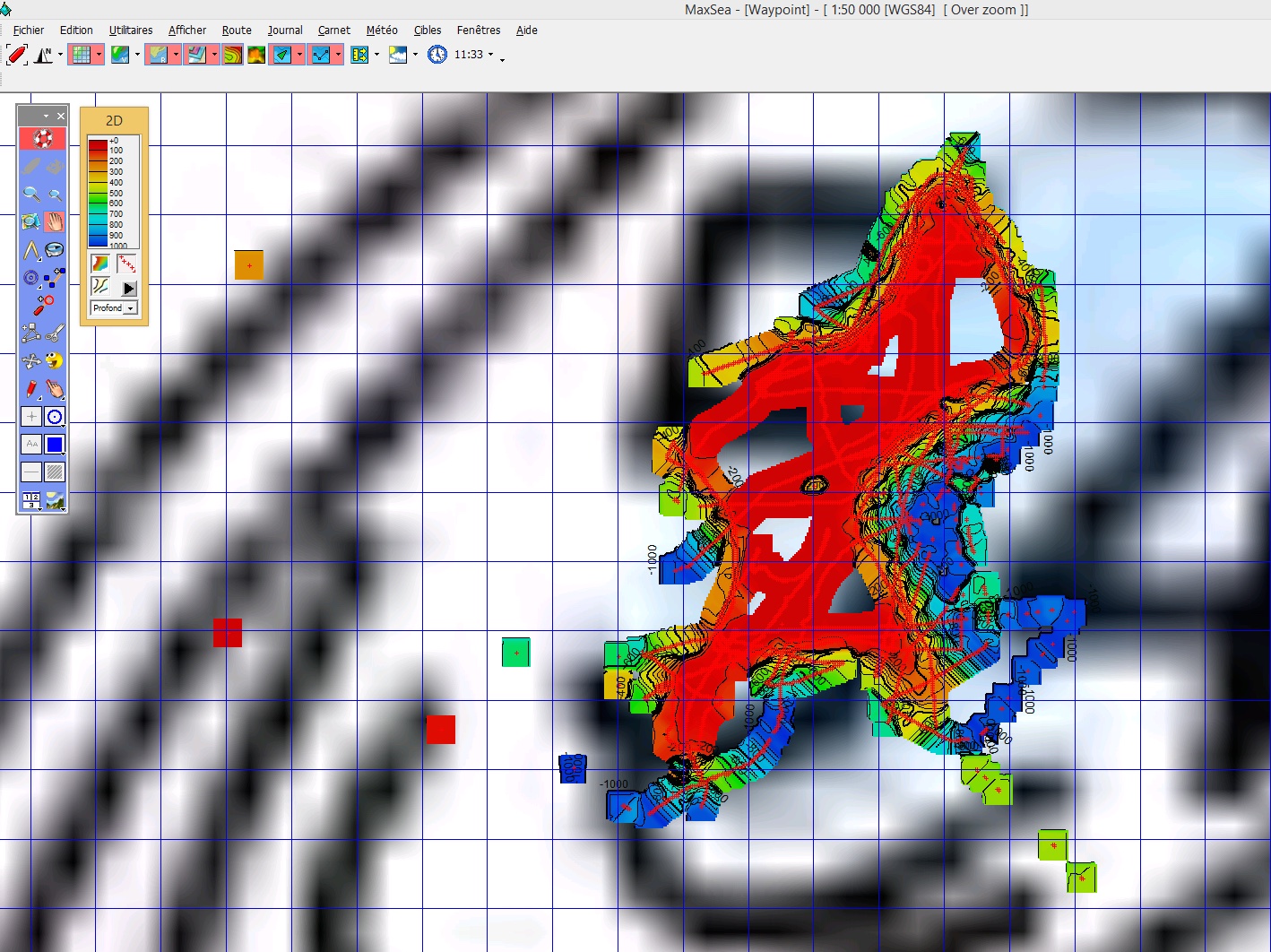 In MaxSea
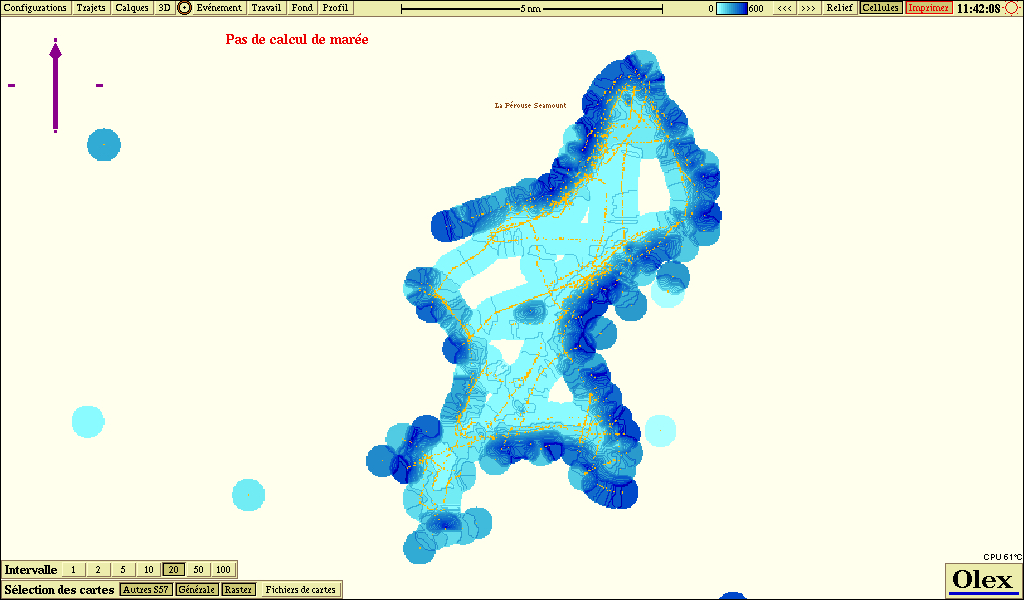 In Olex
Updated : October 2026